




Pojednostavite potpisivanje unutar svojih alata


Dodaci za potpisivanje besprijekorno se integriraju s alatima koje već koristite, omogućujući vam izravno potpisivanje dokumenata unutar aplikacija Microsoft Officea kao što su Outlook, Word i Excel. Nema potrebe za izvozom datoteka, pretvaranjem formata ili promjenom platforme. Držite sve na jednom mjestu i pojednostavnite proces potpisivanja.
Nema potrebe za instaliranjem dodatnog softvera – odmah počnite potpisivati dokumente.

Prestanite se prebacivati između aplikacija!
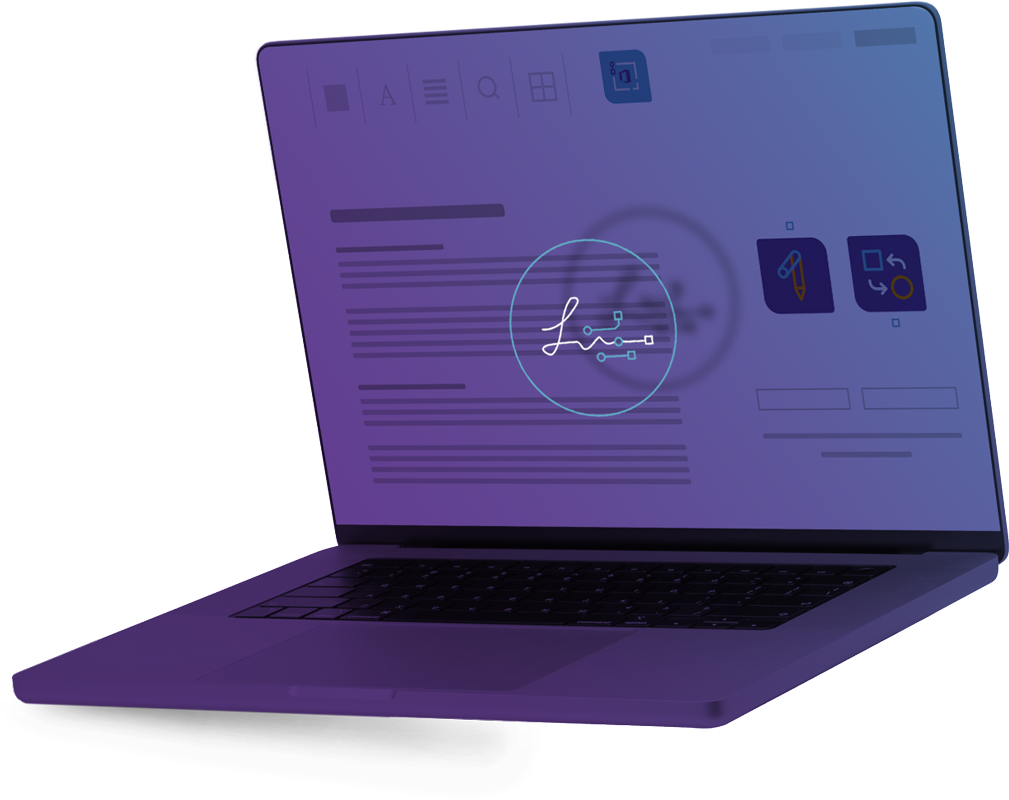
Dodaci za Sign+ ADDINs besprijekorno se integriraju s Microsoft Officeom 365, omogućujući vam izravno odobravanje i potpisivanje dokumenata unutar vašeg poznatog radnog prostora. To osigurava glatko i učinkovito iskustvo potpisivanja.
Što je to?
To je dodatak koji pojednostavljuje potpisivanje dokumenata unutar alata za produktivnost poput Outlook-a, Word-a ili Excel-a. Nema potrebe za izvozom dokumenata, pretvaranjem u PDF ili korištenjem zasebne aplikacije za potpisivanje – proces potpisivanja je potpuno pojednostavljen.

Kako ga koristiti?
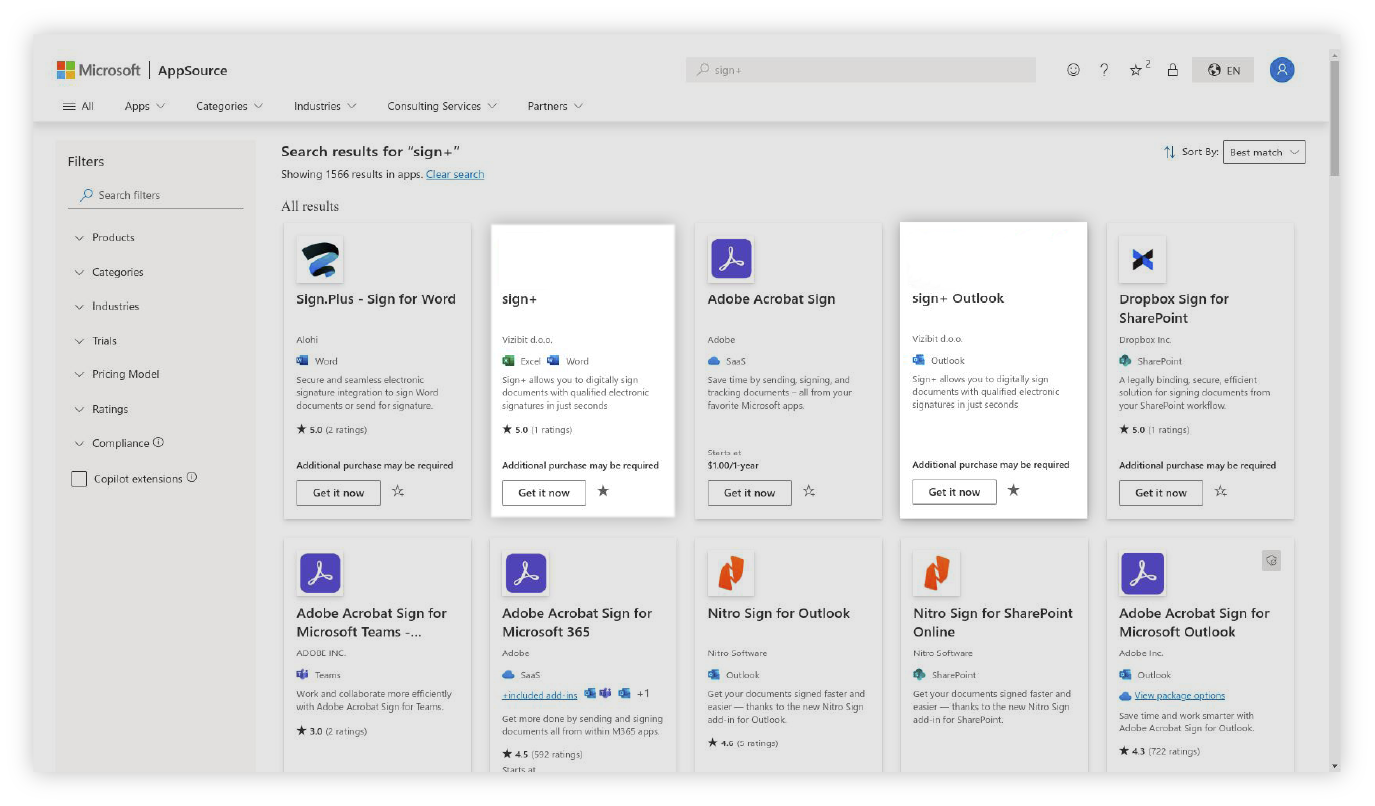
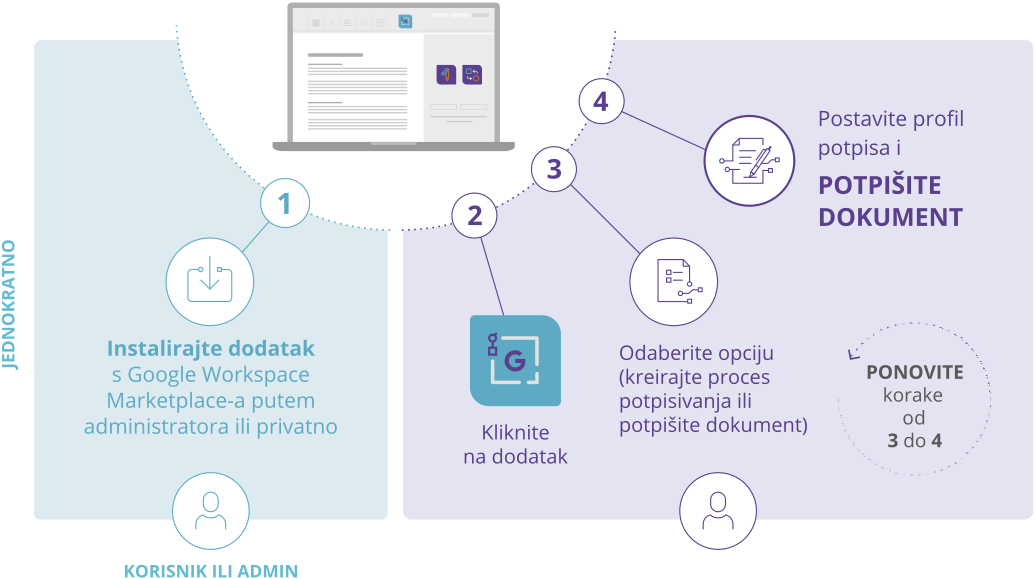
Tvrtke i pojedinci ovaj Add-on mogu brzo i jednostavno preuzeti iz Microsoft-ove trgovine aplikacija. Za implementaciju na razini cijele tvrtke, administatori mogu jednostavno omogućiti značajku u cijeloj organizaciji.
IsprobajteNajbolje za kupce koji –
Imaju Office 365 ili lokalnu domensku instalaciju Office-a
Žele imati mogućnost potpisivanja integriranu u alate kojima se svakodnevno služe
Trebaju brzu integraciju digitalnih potpisa u svoje procese
Žele brzu i niskorizičnu implementaciju
Imaju manje ili povremene potrebe za potpisivanjem
Kako je integriran u Microsoft Office 365?

Kako potpisati dokument unutar Office-a 365?

User or Admin
UPLOAD files
Upload PDF to signFLOWS
INVITE signers
Invite internal and external signatories
START
Start the approval process

Signer
SIGN
Signer/s receive mail with a link and sign the documents (internal manager, group member, partner, client…)
DOWNLOAD
– to DMS, eArchive
– send PDF attachment by email
Mogu ga koristiti pojedinci ili tvrtke preuzimanjem iz Microsoftove trgovine.
Za implementaciju na razini cijele tvrtke, administratori mogu jednostavno omogućiti značajku u cijeloj organizaciji.
Često postavljana pitanja
Dodatne informacije o našim proizvodima i uslugama.
Za korištenje Sign+ ADDina potreban vam je aktivan Microsoft Office račun (poslovni ili privatni), pristup modernom web pregledniku (kao što su Chrome, Edge ili Opera) i instaliran dodatak za odabranu Microsoftovu aplikaciju.
Sign+ ADDin možete koristiti na Android/iOS mobilnim telefonima ili tabletima, Chromebookovima ili bilo kojem modernom uređaju s preglednikom, uključujući računala, prijenosna računala i MacBookove.
Ovisi o vrsti potpisa koji Vam je potreban. Za kvalificiranu razinu potpisivanja (QES) putem SignFlowsa, u pravilu je potreban digitalni identitet. Međutim, moguće je koristiti i jednostavni elektronički potpis (SES), za koji nije potrebna formalna digitalna identifikacija.
Da, prije potpisivanja dokumenata morate nadopuniti svoj račun s dovoljno kredita. Broj potrebnih kredita ovisi o vrsti digitalnog potpisa koju odaberete.
Provjerite ispunjavate li sve gore navedene preduvjete, instalirajte odgovarajući Sign+ ADDin i prijavite se sa svojim Microsoft Office računom. Zatim možete početi digitalno potpisivati dokumente.